
Shruti
श्रुति
A Chrome extension that reads Nepali web pages out loud in a voice that runs on your own machine. No server, no account, no API key.
Install from the Chrome Web Store →
Free, for Chrome and Brave. The 29 MB download is the voice itself, which is why it keeps working with the network switched off.
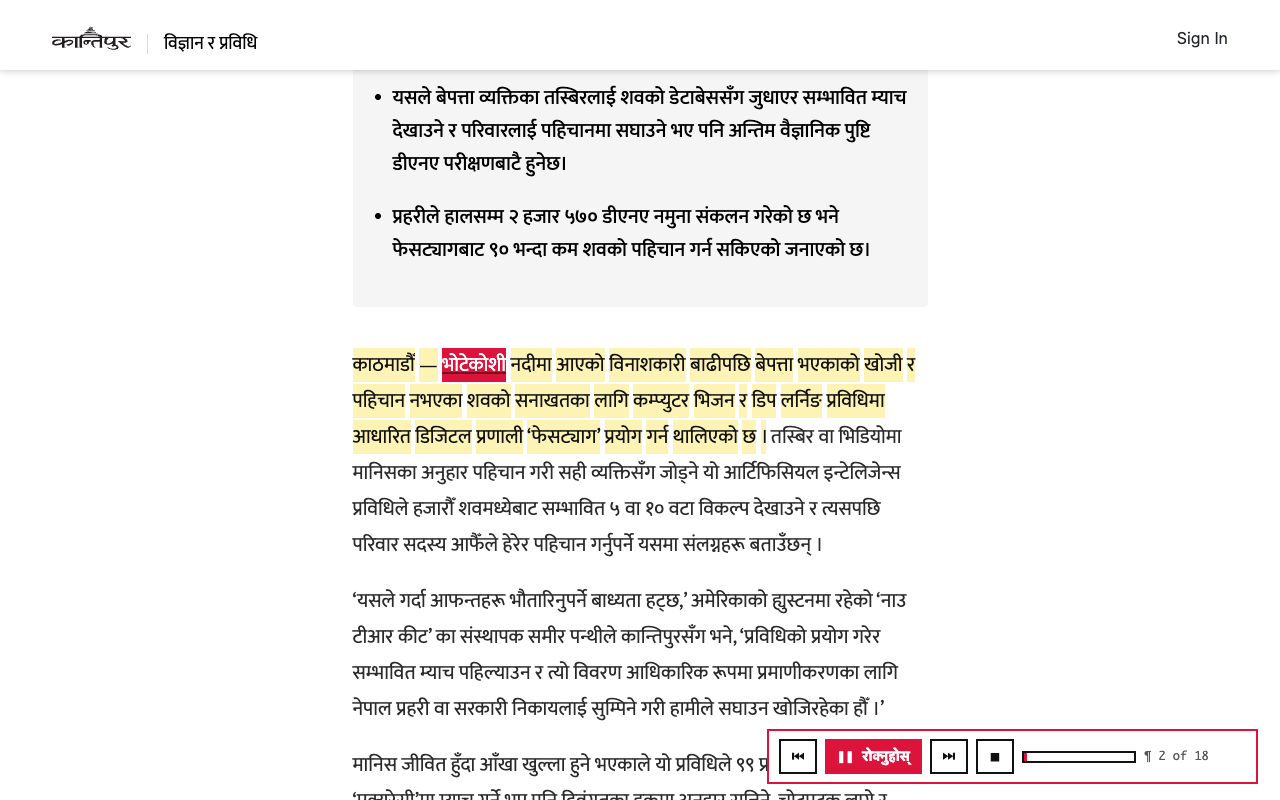

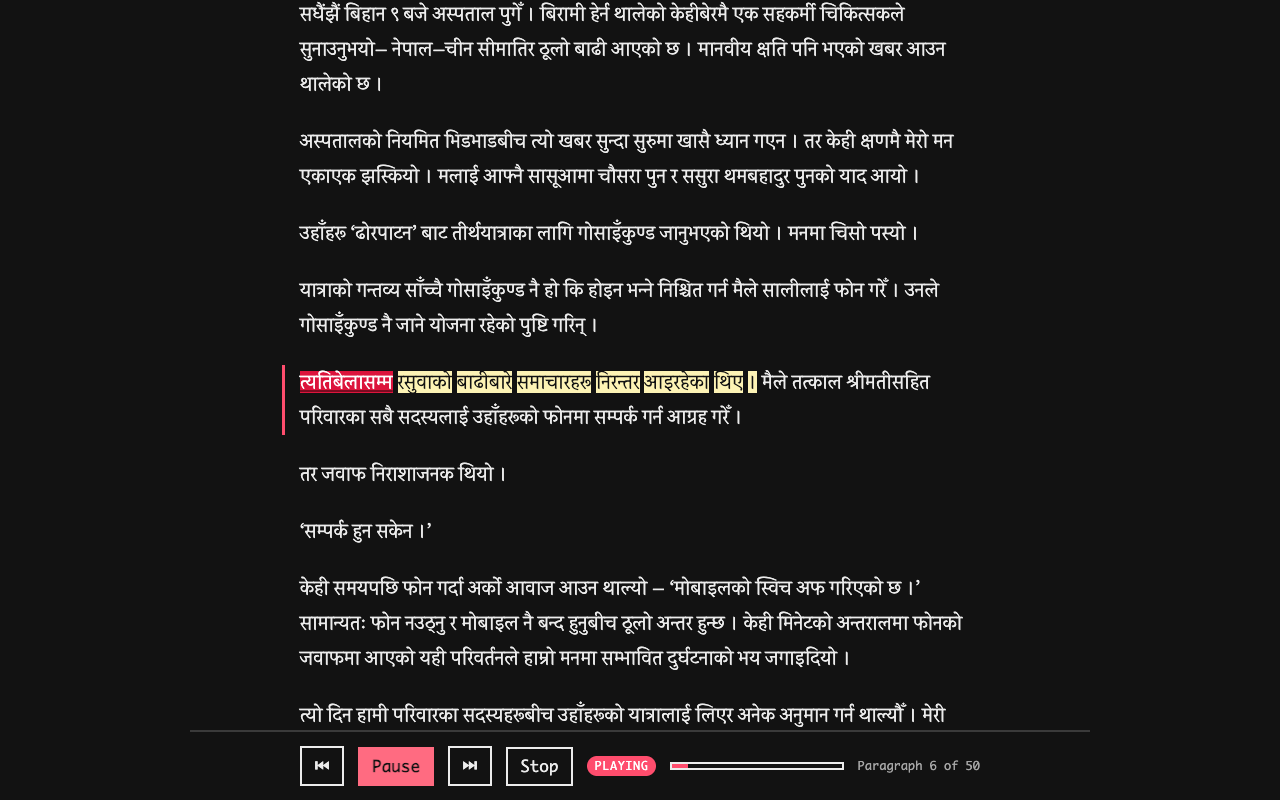
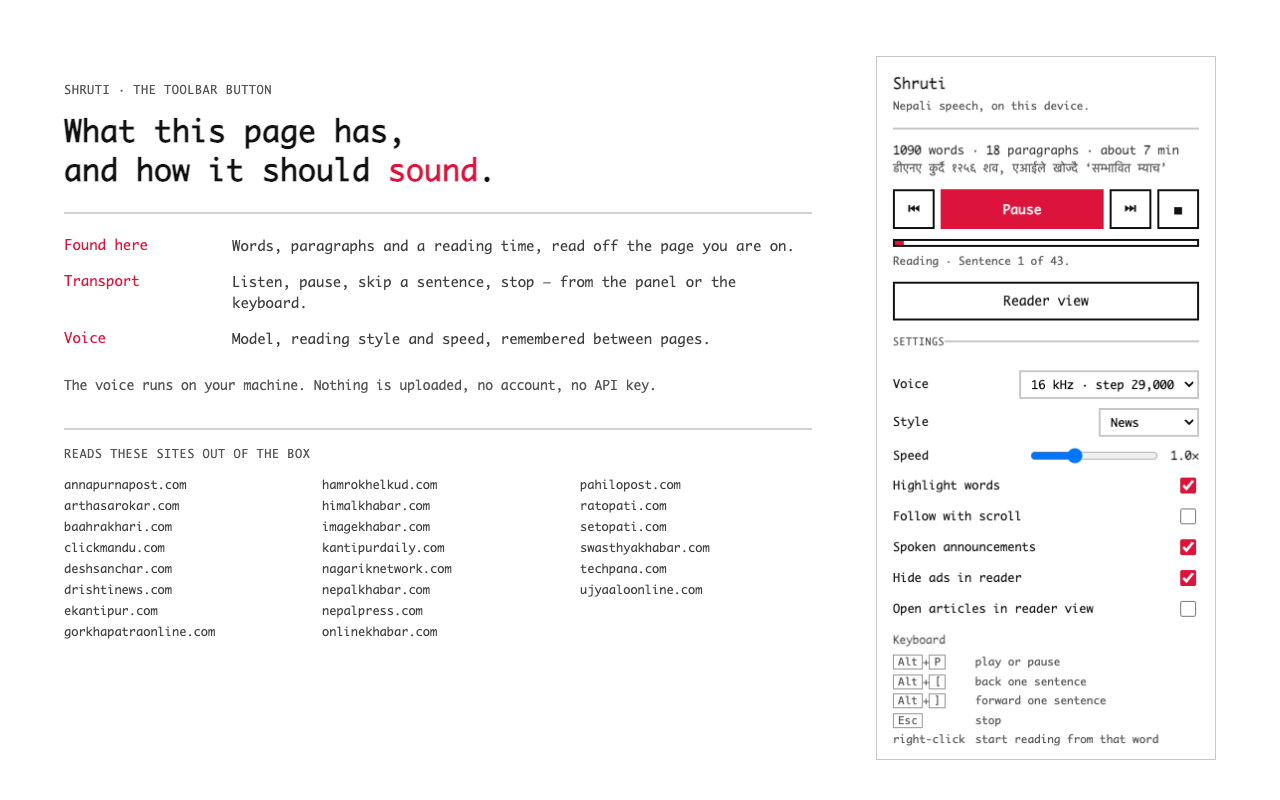
Alt+P, Alt+[, Alt+], Esc), or from
the page.On any other page, select the Nepali text and use the toolbar button or the right-click menu. The extension asks for access to that one site at the moment you ask it to read, and not before.
The voice is a research model and it sounds like one: clear enough to follow a news story, not a broadcast reader. It is trained on Nepali and reads Devanagari directly rather than transliterating it through English. Pronunciation of unusual proper nouns and of English loanwords is the weakest part, and known to be.
Try the voice on your own text → Type a Nepali sentence and hear it read two ways: as a news reader and as an audiobook reader.
Speech is generated by ONNX Runtime compiled to WebAssembly, running in the extension's own offscreen document. On a recent laptop it renders roughly seven seconds of audio per second of work, which is what lets it read continuously rather than a few words at a time.
Shruti collects nothing, sends nothing, and has no server to send it to. The page you ask it to read is turned into speech in your browser and then discarded. The only things stored are your own settings and one number measuring how fast your computer renders audio.
Read the full privacy policy →
| Chrome Web Store | Shruti on the Chrome Web Store |
| Try the voice | ampixa.com/shruti/try |
| Privacy policy | ampixa.com/shruti/privacy |
| Nepali text frontend | github.com/Ampixa/nepa-newa-text-frontend |
| sanoTTS | github.com/Ampixa/sanoTTS |
| ampixa labs | ampixa.com |
| hello@ampixa.com |
© 2026 ampixa labs.